VPN Speed Factors Explained What Affects Your Connection
Understand the factors influencing VPN speed. Learn about server load, distance, encryption, and protocols that impact your connection.
Understand the factors influencing VPN speed. Learn about server load, distance, encryption, and protocols that impact your connection.
VPN Speed Factors Explained What Affects Your Connection
Ever wondered why your internet speed takes a hit when you connect to a VPN? You're not alone. Many users experience a noticeable slowdown, and while some reduction is inevitable due to the nature of VPNs, understanding the underlying factors can help you optimize your experience. This deep dive will explain everything from server load to encryption protocols, helping you make informed choices for a faster, more reliable VPN connection, especially for users in the USA and Southeast Asia.
The Core Mechanics How a VPN Works and Impacts Speed
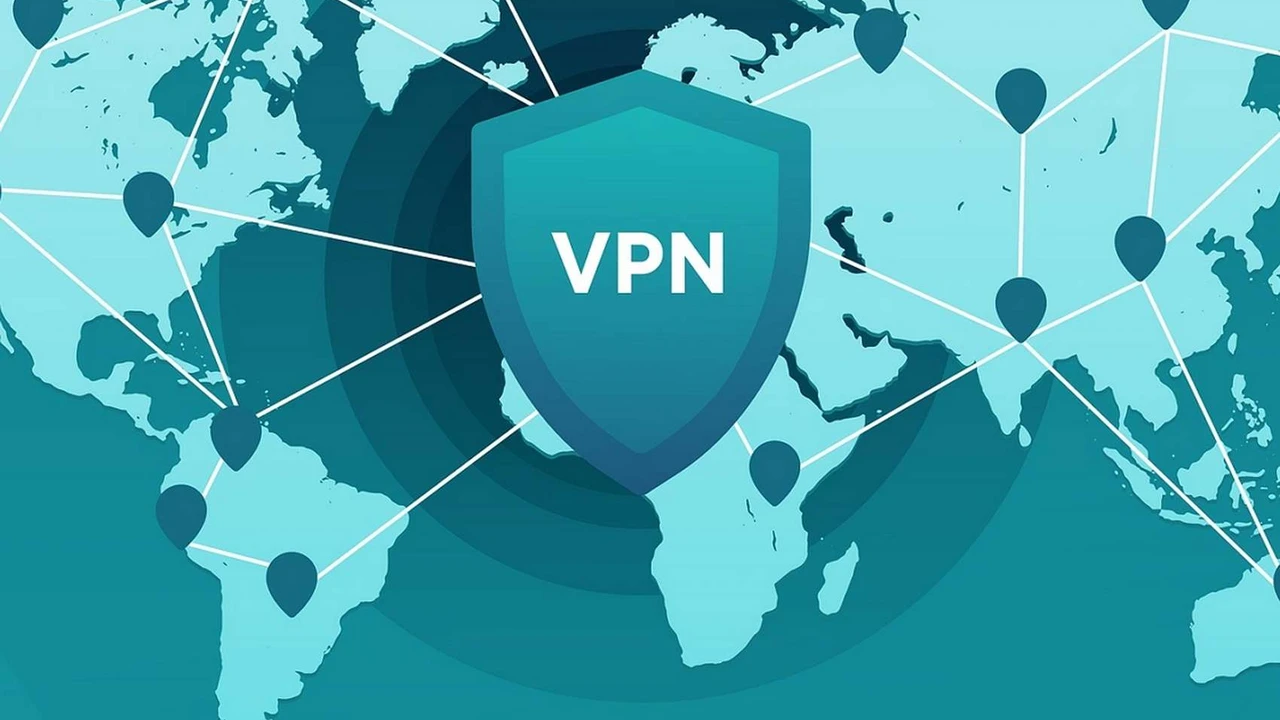
Before we dive into the specifics, let's quickly recap how a VPN operates. When you connect to a VPN, your internet traffic is routed through an encrypted tunnel to a VPN server. This server then forwards your traffic to its destination on the internet. The response then travels back through the VPN server and the encrypted tunnel to your device. This process, while essential for privacy and security, introduces several steps that can affect your overall speed.
Think of it like this: instead of taking a direct highway to your destination, you're now taking a scenic route with a few detours and security checkpoints. Each of these extra steps adds a tiny bit of time, and when combined, they can lead to a noticeable delay.
Geographical Distance The Further The Slower
One of the most straightforward factors affecting VPN speed is the physical distance between you and the VPN server. The further your data has to travel, the longer it takes. This is a fundamental principle of networking. If you're in New York and connect to a VPN server in Los Angeles, your data has to cross the entire continent. If you're in Singapore and connect to a server in London, that's an even greater distance.
Recommendation for Users in USA and Southeast Asia: Always try to connect to a VPN server that is geographically close to your actual location or the location of the content you're trying to access. For example, if you're in California and want to stream content from a US-based service, connecting to a server in a nearby state like Arizona or Nevada will likely yield better speeds than connecting to a server in Florida.
Similarly, if you're in Thailand and want to access local content, choosing a server in Bangkok or a neighboring country like Malaysia or Vietnam will be faster than connecting to a server in Europe or North America. Most reputable VPN providers offer a wide array of servers, allowing you to choose the optimal location.
Server Load and Congestion The Busy Highway Analogy
Imagine a highway. If there are only a few cars, traffic flows smoothly. But if everyone decides to drive at the same time, you get congestion and slowdowns. VPN servers work similarly. Each server has a finite amount of bandwidth and processing power. If too many users are connected to a single server at the same time, or if those users are engaged in bandwidth-intensive activities like streaming 4K video or large downloads, the server can become overloaded. This 'server load' directly impacts the speed for everyone connected to it.
How to Mitigate:
- Choose Less Crowded Servers: Many VPN providers display server load or offer 'recommended' servers that are less congested. Pay attention to these indicators.
- Switch Servers: If you notice a significant slowdown, try disconnecting and reconnecting to a different server in the same region. Sometimes, simply switching to another server can dramatically improve your speed.
- Premium VPNs: Higher-tier VPN services often invest more in their server infrastructure, meaning more servers and higher bandwidth per server, which helps distribute load more effectively.
Encryption Strength and Protocols The Security Checkpoint Effect
Encryption is the cornerstone of VPN security, but it comes at a cost to speed. The process of encrypting and decrypting your data requires computational power from both your device and the VPN server. Stronger encryption algorithms, while more secure, generally require more processing power and can thus be slower.
Common Encryption Standards:
- AES-256: This is the industry standard, often referred to as 'military-grade encryption.' It's extremely secure and offers a good balance between security and performance. Most modern VPNs use this.
- AES-128: Slightly less secure but faster than AES-256. Rarely used as the primary encryption for VPNs due to the minimal performance gain compared to the security trade-off.
VPN Protocols and Their Speed Impact:
The VPN protocol determines how the encrypted tunnel is established and maintained. Different protocols offer varying levels of security, speed, and stability. Here's a breakdown of the most common ones:
WireGuard The Modern Speed Demon
WireGuard is a relatively new VPN protocol that has quickly gained popularity due to its incredible speed and efficiency. It uses a much smaller codebase than older protocols like OpenVPN, making it easier to audit and significantly faster. It's designed for high performance and low latency, making it an excellent choice for streaming, gaming, and general browsing.
Pros: Extremely fast, efficient, modern cryptography, easy to audit. Cons: Still relatively new, some providers might not have fully integrated it yet.
Recommended VPNs with WireGuard:
- NordVPN (NordLynx): NordVPN's proprietary protocol, NordLynx, is built around WireGuard. It offers exceptional speeds and is a top choice for performance-conscious users. NordVPN has a vast server network, making it ideal for both USA and Southeast Asia users. Prices start around $3.29/month for a 2-year plan.
- Surfshark: Surfshark also heavily utilizes WireGuard, providing excellent speeds and unlimited simultaneous connections. It's a great value option, especially for families or users with many devices. Surfshark offers servers across the USA and many countries in Southeast Asia. Prices start around $2.49/month for a 2-year plan.
- Private Internet Access (PIA): PIA has fully embraced WireGuard, offering strong performance and a massive server count. It's known for its strong privacy stance and affordability. PIA has extensive server coverage in the USA and growing presence in Southeast Asia. Prices start around $2.03/month for a 3-year plan.
OpenVPN The Reliable Workhorse
OpenVPN is an open-source protocol that has been the industry standard for many years. It's highly secure, flexible, and can be configured to run over both UDP (faster) and TCP (more reliable, but slower). While not as fast as WireGuard, it's still a very solid choice for most users, offering a great balance of security and speed.
Pros: Highly secure, open-source (audited by many), very configurable, widely supported. Cons: Can be slower than WireGuard, more complex codebase.
Recommended VPNs with OpenVPN:
- ExpressVPN: While ExpressVPN has its own Lightway protocol (which is very fast), it also offers robust OpenVPN support. ExpressVPN is renowned for its consistent speeds and reliability across its global network, including excellent coverage in the USA and Southeast Asia. Prices start around $6.67/month for a 12-month plan.
- Proton VPN: Proton VPN is known for its strong focus on privacy and security, and it offers excellent OpenVPN implementations. While not always the absolute fastest, its speeds are very respectable, especially on its 'Plus' servers. Proton VPN has a good presence in both target regions. Prices start around $4.99/month for a 2-year plan.
IKEv2/IPsec The Mobile-Friendly Option
IKEv2/IPsec is another popular protocol, particularly favored for mobile devices due to its stability and ability to quickly re-establish connections when switching networks (e.g., from Wi-Fi to cellular data). It's generally faster than OpenVPN but can be less secure in some implementations if not configured correctly.
Pros: Fast, stable, excellent for mobile devices, good for switching networks. Cons: Can be less secure than OpenVPN if not properly implemented, not open-source.
Recommended VPNs with IKEv2/IPsec:
- CyberGhost: CyberGhost offers IKEv2/IPsec alongside OpenVPN and WireGuard, providing users with flexibility. It's a user-friendly VPN with a large server network and optimized servers for streaming and gaming, making it a good option for speed. CyberGhost has strong server presence in the USA and growing in Southeast Asia. Prices start around $2.19/month for a 2-year plan.
- IPVanish: IPVanish provides IKEv2/IPsec, OpenVPN, and WireGuard, giving users options for speed and security. It's known for its strong performance and unlimited connections. IPVanish has a significant server footprint in the USA and some presence in Southeast Asia. Prices start around $3.25/month for a 1-year plan.
L2TP/IPsec and PPTP The Outdated Options
You might encounter L2TP/IPsec and PPTP, but these are generally not recommended for modern VPN use. PPTP is very fast but offers weak security and is easily compromised. L2TP/IPsec is more secure than PPTP but still has known vulnerabilities and is significantly slower than OpenVPN or WireGuard due to double encapsulation. Avoid these protocols if possible.
Your Internet Service Provider ISP Throttling and Bandwidth
Your base internet speed provided by your ISP plays a crucial role. A VPN cannot magically make your internet faster than your ISP's maximum speed. If you have a slow internet connection to begin with, a VPN will only add a slight overhead, making it feel even slower.
Furthermore, some ISPs engage in 'throttling,' intentionally slowing down certain types of traffic, such as streaming or torrenting. A VPN can help bypass this throttling by encrypting your traffic, making it indistinguishable to your ISP. However, the VPN itself will still be limited by your overall bandwidth.
What to Consider:
- Check Your Base Speed: Before blaming the VPN, run a speed test without the VPN connected to establish your baseline.
- Upgrade Your Plan: If your base speed is consistently low, consider upgrading your ISP plan for a better overall experience, with or without a VPN.
Your Device and Router Performance The Hardware Factor
The device you're using to connect to the VPN also matters. Older or less powerful devices might struggle with the encryption and decryption process, leading to slower speeds. Similarly, an outdated or low-end router can become a bottleneck, especially if multiple devices are connected and using the VPN.
Tips for Optimization:
- Modern Devices: Use a relatively modern computer or smartphone with a decent processor.
- Router Upgrade: If you're running a VPN on your router, ensure it's a powerful model capable of handling the encryption overhead. Many consumer-grade routers struggle with VPN encryption.
- Wired Connection: Whenever possible, use an Ethernet cable instead of Wi-Fi, especially for bandwidth-intensive tasks. Wired connections are generally more stable and faster.
Firewalls and Antivirus Software The Unseen Interceptors
While essential for security, firewalls and antivirus software can sometimes interfere with VPN connections and impact speed. They might inspect encrypted traffic, adding an extra layer of processing that slows things down.
Troubleshooting Steps:
- Temporary Disable: If you suspect your security software is causing issues, try temporarily disabling it (with caution!) and re-testing your VPN speed.
- Add Exceptions: Configure your firewall and antivirus to allow your VPN client and its processes to run without interference.
VPN Provider Infrastructure and Quality Not All VPNs Are Equal
The quality of the VPN provider's infrastructure plays a massive role in the speeds you experience. Premium VPNs invest heavily in high-speed servers, robust networks, and advanced technologies to minimize latency and maximize throughput. Free VPNs, on the other hand, often cut corners, leading to overcrowded servers, limited bandwidth, and slower speeds.
What to Look For:
- Server Network Size: A larger network means more options and less congestion.
- Server Locations: Good coverage in regions relevant to you (e.g., USA, Southeast Asia).
- Bandwidth: Providers that offer high bandwidth per server.
- Proprietary Protocols: Some providers develop their own optimized protocols (like NordLynx or Lightway) for better performance.
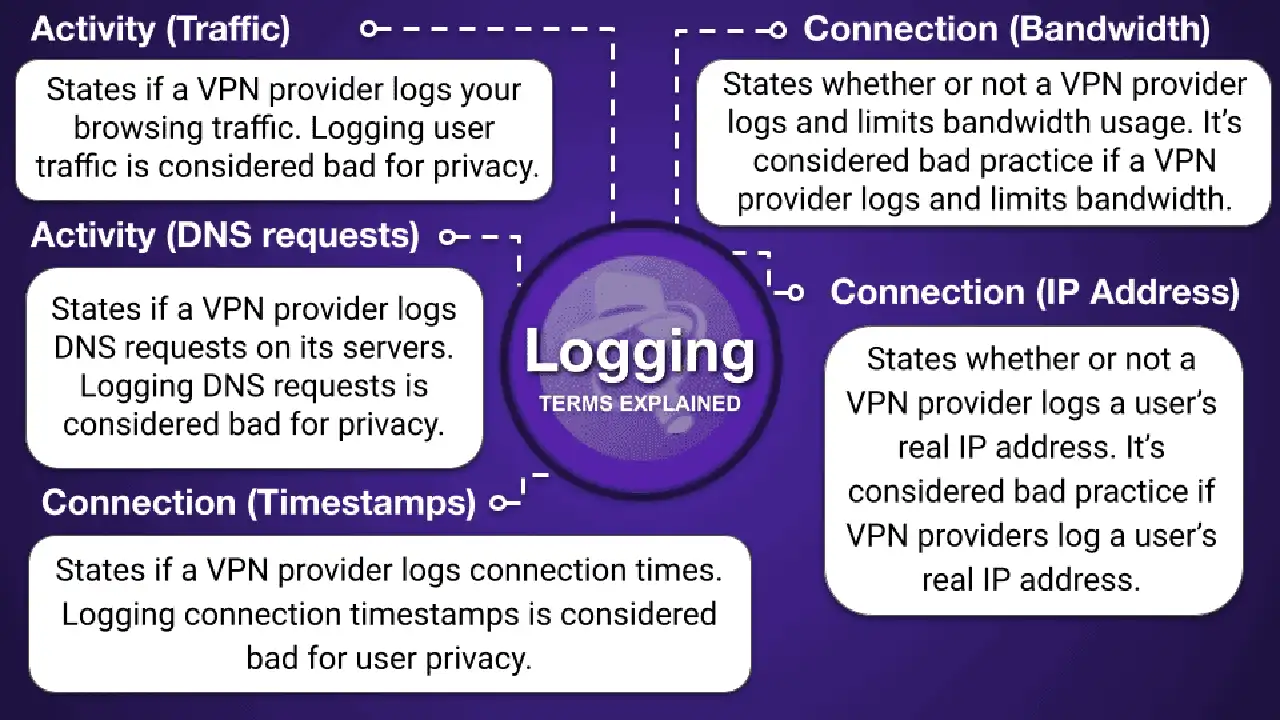
- No-Log Policy: While not directly speed-related, a strong no-log policy indicates a commitment to user privacy, often found in reputable, performance-oriented VPNs.
Specific Use Cases and Their Speed Demands
Different online activities have different speed requirements. Understanding these can help you manage your expectations and optimize your VPN usage.
Streaming 4K Content The Ultimate Test
Streaming 4K video demands significant bandwidth. If you're trying to stream Netflix, Hulu, or other services in 4K, you'll need a very fast VPN connection. Even a slight slowdown can lead to buffering and a frustrating experience.
Recommended VPNs for 4K Streaming:
- ExpressVPN: Consistently ranks as one of the fastest VPNs, making it ideal for 4K streaming. Its Lightway protocol is specifically designed for speed and reliability.
- NordVPN: With NordLynx, NordVPN offers excellent speeds for 4K streaming, often outperforming many competitors.
- Surfshark: A strong contender for streaming, offering good speeds and unlimited connections, making it great for households with multiple streamers.
Online Gaming Low Latency is Key
For online gaming, latency (ping) is often more critical than raw download speed. High latency leads to lag, which can ruin your gaming experience. A VPN adds some latency, but a good VPN with nearby servers and efficient protocols can minimize this impact.
Recommended VPNs for Gaming:
- ExpressVPN: Known for its low latency and stable connections, making it a favorite among gamers.
- NordVPN: Offers specialized gaming servers and low latency with NordLynx.
- CyberGhost: Has optimized gaming servers designed to reduce ping and improve performance.
Torrenting and Large Downloads Bandwidth Hogs
Downloading large files or torrenting can consume a lot of bandwidth. While a VPN protects your privacy during these activities, it can also slow them down. Look for VPNs with dedicated P2P servers and unlimited bandwidth.
Recommended VPNs for Torrenting:
- NordVPN: Offers dedicated P2P servers and excellent speeds for torrenting.
- Surfshark: Supports P2P on all servers and provides unlimited bandwidth.
- Private Internet Access (PIA): Strong privacy features, P2P support, and good speeds for large downloads.
Optimizing Your VPN Speed Practical Tips and Tricks
Now that you understand the factors, here are some actionable steps you can take to improve your VPN speed:
- Choose a Reputable VPN Provider: This is the most crucial step. Invest in a premium VPN service that prioritizes speed and has a robust infrastructure.
- Select the Closest Server: Always connect to a server that is geographically closest to you or the content you want to access.
- Experiment with Protocols: Try different VPN protocols. WireGuard is often the fastest, but OpenVPN (UDP) can also be very good.
- Switch Servers: If a server feels slow, try connecting to a different one in the same region.
- Use a Wired Connection: Whenever possible, connect your device to your router via an Ethernet cable.
- Update Your Software: Ensure your VPN client, operating system, and router firmware are all up to date.
- Disable Unnecessary Background Apps: Close any applications that might be consuming bandwidth in the background.
- Adjust Encryption Settings (if available): Some VPNs allow you to choose between AES-256 and AES-128. While not recommended for security, AES-128 can offer a slight speed boost.
- Consider Split Tunneling: If your VPN offers split tunneling, you can route only specific app traffic through the VPN, leaving other traffic to use your direct internet connection, potentially improving overall speed for non-VPN-dependent tasks.
- Check Your ISP Speed: Regularly test your internet speed without the VPN to ensure your ISP is delivering the promised bandwidth.
By understanding these factors and implementing these tips, you can significantly improve your VPN experience and enjoy a faster, more secure online presence, whether you're browsing from the bustling cities of Southeast Asia or the vast landscapes of the USA.
:max_bytes(150000):strip_icc()/277019-baked-pork-chops-with-cream-of-mushroom-soup-DDMFS-beauty-4x3-BG-7505-5762b731cf30447d9cbbbbbf387beafa.jpg)