Top 5 VPNs for Mobile Privacy on Android and iOS
Protect your mobile devices with these top 5 VPNs for Android and iOS. Secure your smartphone and tablet from tracking and data breaches.
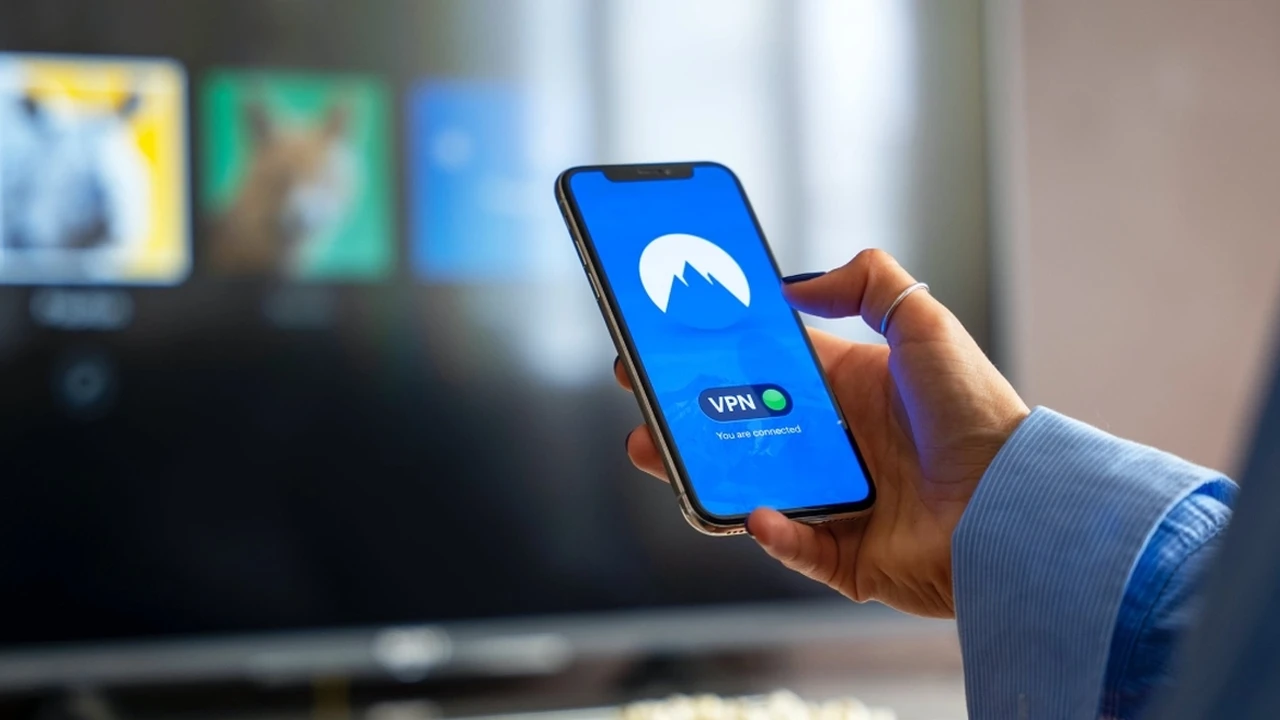
Protect your mobile devices with these top 5 VPNs for Android and iOS. Secure your smartphone and tablet from tracking and data breaches. In today's hyper-connected world, our smartphones and tablets are practically extensions of ourselves. We use them for everything: banking, shopping, communicating, working, and entertaining. This constant digital activity, however, comes with a significant privacy cost. Every app, every website, and even your mobile carrier is potentially collecting data about you. This is where a Virtual Private Network (VPN) becomes an indispensable tool, especially for mobile users.
Top 5 VPNs for Mobile Privacy on Android and iOS
Why Mobile Privacy Matters More Than Ever
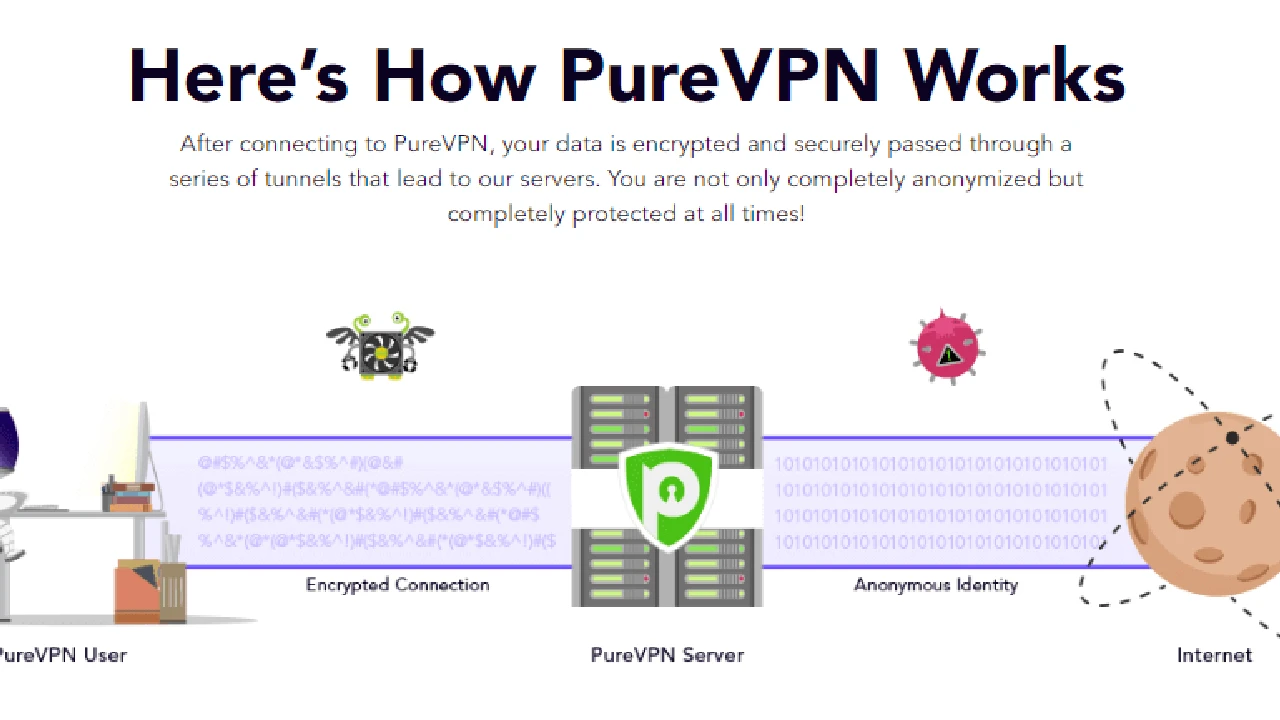
Your mobile device is a treasure trove of personal information. Location data, browsing history, app usage, contacts, photos – it's all there. Without proper protection, this data is vulnerable to various threats. Think about public Wi-Fi networks, which are often unsecured and ripe for snoopers. Or consider the sheer number of apps that request extensive permissions, often far beyond what's necessary for their functionality. Even your mobile service provider can track your online activities. A VPN encrypts your internet traffic and masks your IP address, making it incredibly difficult for third parties to monitor your online behavior, steal your data, or track your location. For both Android and iOS users, a VPN is no longer a luxury but a necessity for maintaining digital privacy and security.Key Features to Look for in a Mobile VPN for Android and iOS
When choosing a VPN for your mobile device, several factors come into play. It's not just about speed or server count; it's about how well the VPN integrates with your mobile operating system and protects your specific mobile usage patterns. Here are the crucial features to prioritize:Robust Encryption and Security Protocols for Mobile Devices
This is the bedrock of any good VPN. Look for AES-256 encryption, which is considered military-grade. As for protocols, WireGuard is increasingly popular for its speed and efficiency, making it ideal for mobile devices where battery life and quick connections are important. OpenVPN is another solid choice, known for its strong security. IKEv2/IPSec is also a good option, especially for mobile, as it handles network changes (like switching from Wi-Fi to cellular data) seamlessly without dropping the VPN connection.Strict No-Logs Policy for Android and iOS Users
A VPN's primary purpose is to enhance privacy. A strict no-logs policy means the VPN provider does not record your online activities, IP address, connection timestamps, or any other data that could be used to identify you. This policy should ideally be independently audited to ensure transparency and trustworthiness. For mobile users, this is particularly important given the sheer volume of personal data generated by apps and browsing.Kill Switch Functionality for Mobile Data Protection
A kill switch is a critical security feature. If your VPN connection unexpectedly drops, a kill switch automatically disconnects your device from the internet, preventing your real IP address and unencrypted data from being exposed. This is especially useful on mobile devices where network stability can be more variable, and you might frequently switch between Wi-Fi networks and cellular data.DNS Leak Protection for Secure Mobile Browsing
DNS (Domain Name System) leaks can reveal your browsing activity to your ISP, even when using a VPN. A good mobile VPN will include robust DNS leak protection to ensure all your DNS requests are routed through the encrypted VPN tunnel, keeping your online activities private.User-Friendly Mobile Apps for Android and iOS
Mobile VPN apps should be intuitive and easy to use. One-tap connect buttons, clear server selection, and easy access to settings are essential. The app should be stable, not drain your battery excessively, and offer a consistent user experience across both Android and iOS platforms.Server Network and Performance for Mobile Streaming and Gaming
A large and diverse server network means you'll have more options for connecting to fast servers, reducing latency and improving speeds. This is crucial for mobile streaming, gaming, and video calls. Look for VPNs with servers strategically located in regions relevant to you, such as the USA and Southeast Asia, to ensure optimal performance.Simultaneous Connections for All Your Mobile Devices
Most people own multiple mobile devices – a smartphone, a tablet, maybe even a smart watch. A good VPN should allow for multiple simultaneous connections, so you can protect all your devices under a single subscription.Our Top 5 VPN Recommendations for Mobile Privacy
After extensive testing and evaluation of various VPNs on both Android and iOS platforms, considering the features mentioned above, here are our top 5 recommendations:1. ExpressVPN The Gold Standard for Mobile Security and Speed
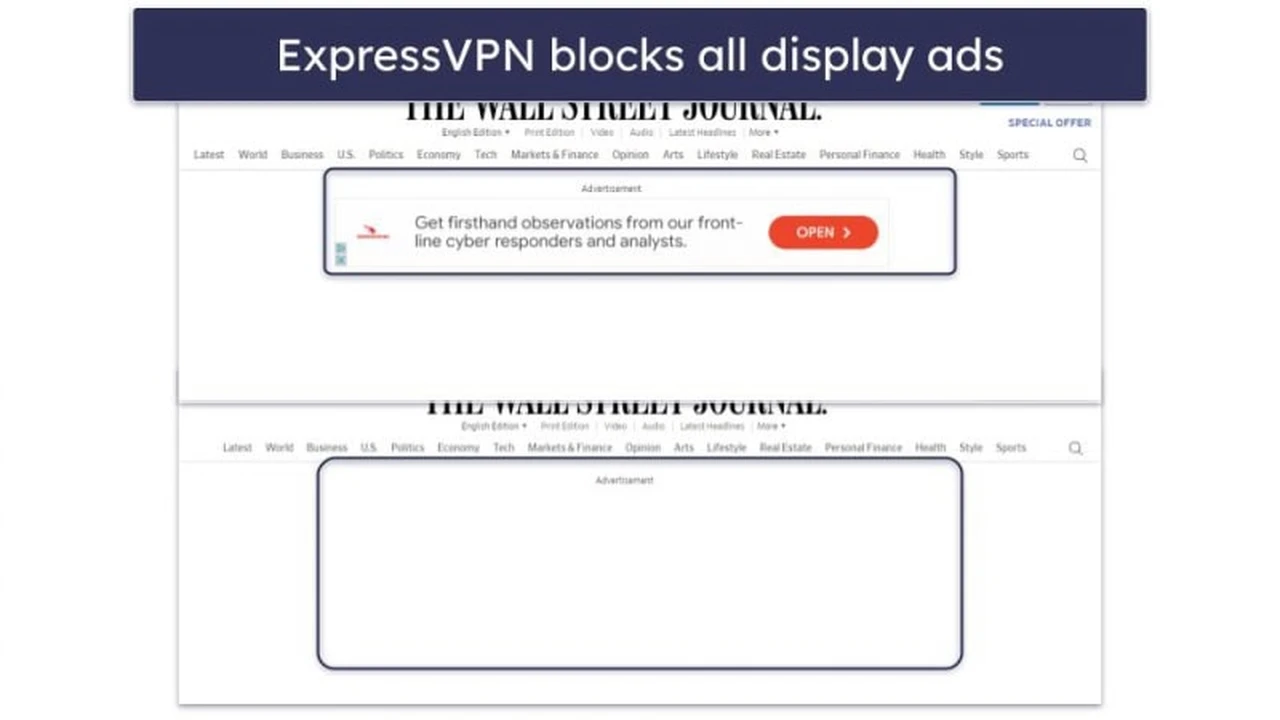
ExpressVPN consistently ranks as one of the best VPNs overall, and its mobile apps are no exception. They offer a seamless experience on both Android and iOS, combining top-tier security with blazing-fast speeds. Their proprietary Lightway protocol is a game-changer for mobile, offering excellent performance and battery efficiency. ExpressVPN boasts AES-256 encryption, a strict audited no-logs policy, and a reliable kill switch. Their server network spans 105 countries, ensuring you can always find a fast connection. The apps are incredibly user-friendly, making it easy for anyone to get started. They also offer DNS leak protection and split tunneling, allowing you to choose which apps use the VPN and which don't. This is particularly useful on mobile for optimizing performance and data usage. Pros for Mobile Users:- Blazing-fast speeds with Lightway protocol, ideal for mobile data.
- Intuitive and user-friendly apps for both Android and iOS.
- Strong security with AES-256 encryption and an audited no-logs policy.
- Reliable kill switch and DNS leak protection.
- Excellent for streaming and bypassing geo-restrictions on mobile.
- Slightly higher price point compared to some competitors.
- Limited simultaneous connections (up to 8).
2. NordVPN Feature-Rich Mobile Apps for Enhanced Privacy
NordVPN is another powerhouse in the VPN space, offering a comprehensive suite of features tailored for mobile users. Their Android and iOS apps are packed with advanced security options, including Threat Protection (which blocks ads, trackers, and malware), Double VPN (for extra encryption), and Onion Over VPN. NordVPN uses AES-256 encryption and offers various protocols, including their custom NordLynx (based on WireGuard) for excellent speed and security. They have a vast server network across 60 countries and a strict, audited no-logs policy. The mobile apps are well-designed, though they might feel a bit more feature-dense than ExpressVPN's, which can be a pro for power users and a slight con for absolute beginners. Their kill switch is highly effective, and they offer robust DNS leak protection. Pros for Mobile Users:- Extensive security features like Threat Protection and Double VPN.
- Fast speeds with NordLynx protocol.
- Large server network and audited no-logs policy.
- Up to 10 simultaneous connections.
- Competitive pricing, especially on longer plans.
- Apps can feel a bit crowded with features for new users.
- Some advanced features might slightly impact battery life.
3. Surfshark Unlimited Connections for All Your Mobile Devices
Surfshark stands out for its incredible value, primarily due to its unlimited simultaneous connections. This makes it an excellent choice for families or individuals with many mobile devices. Their Android and iOS apps are sleek, modern, and very easy to navigate. Surfshark offers AES-256 encryption, a strict no-logs policy, and a reliable kill switch. They support WireGuard, OpenVPN, and IKEv2 protocols, ensuring good speeds and security. A unique feature is CleanWeb, which blocks ads, trackers, and malware, similar to NordVPN's Threat Protection. They also offer Bypasser (split tunneling) and MultiHop (double VPN) for enhanced flexibility and security. Their server network covers 100 countries, providing ample options for fast connections. Pros for Mobile Users:- Unlimited simultaneous connections – protect all your mobile devices.
- Affordable pricing, especially for long-term plans.
- CleanWeb feature for ad and malware blocking.
- User-friendly apps with WireGuard support for speed.
- Strong security features and audited no-logs policy.
- Speeds can sometimes be slightly less consistent than ExpressVPN or NordVPN on very distant servers.
- Customer support response times can vary.
4. Proton VPN Strong Privacy Focus with Excellent Free Tier for Mobile
Proton VPN, developed by the creators of ProtonMail, is renowned for its strong commitment to privacy and security. While their paid plans offer a full suite of features, their free tier for mobile is one of the best available, offering unlimited data (though with limited speeds and server locations). For paid users, their Android and iOS apps are highly secure, featuring AES-256 encryption, a strict audited no-logs policy, and advanced features like Secure Core (multi-hop VPN) and NetShield (ad, malware, and tracker blocker). They support WireGuard, OpenVPN, and IKEv2 protocols. Proton VPN's focus on transparency and open-source apps further solidifies its reputation for privacy. Their kill switch is reliable, and they offer robust DNS leak protection. While their server network is smaller than some competitors (over 65 countries), their servers are high-quality and offer good performance. Pros for Mobile Users:- Exceptional privacy and security focus, backed by an audited no-logs policy.
- Excellent free tier with unlimited data (though limited speed/servers).
- Advanced features like Secure Core and NetShield.
- Open-source apps for transparency.
- Good speeds, especially with WireGuard.
- Paid plans can be slightly more expensive than Surfshark.
- Smaller server network compared to top-tier providers.
- Free tier has speed limitations.
5. CyberGhost User-Friendly Mobile Apps with Specialized Servers
CyberGhost offers a user-friendly experience on both Android and iOS, making it a great choice for those new to VPNs. Their apps are clean, intuitive, and offer one-tap connection. They provide AES-256 encryption, a strict no-logs policy, and a reliable kill switch. CyberGhost stands out with its specialized servers optimized for streaming, gaming, and torrenting, which are easily accessible within the mobile apps. This is particularly beneficial for mobile users who frequently stream content or game on their devices. They support WireGuard, OpenVPN, and IKEv2 protocols, ensuring good speeds and security. With a massive server network in over 100 countries, finding a fast and suitable server is rarely an issue. They also offer DNS leak protection and up to 7 simultaneous connections. Pros for Mobile Users:- Very user-friendly apps, great for beginners.
- Specialized servers for streaming and gaming.
- Large server network for global access.
- Strong security with AES-256 encryption and no-logs policy.
- Generous 45-day money-back guarantee.
- Some advanced features found in competitors are missing.
- Speeds can sometimes fluctuate more than top-tier providers.
:max_bytes(150000):strip_icc()/277019-baked-pork-chops-with-cream-of-mushroom-soup-DDMFS-beauty-4x3-BG-7505-5762b731cf30447d9cbbbbbf387beafa.jpg)